Motion & wall · No credits
Start the recording from a phone
Video Booth
A message, a dance, a toast: the guest steps in front of the camera and the operator starts recording from a paired phone. The length is fixed, recording ends on its own and the video reaches the guest by QR.
Guest flow
"Start recording" at the kiosk or on the phone
Countdown
Fixed-length recording
MP4 to the phone by QR
Studio settings
- Length
- 5–120 s (default 30)
- Quality
- 720p or 1080p
- Sound
- Recording is silent
- Remote
- Start from a paired phone
Output and sharing
- Output
- MP4
- Sharing
- Video download and link sharing from the guest page by QR
- Credits
- Uses no credits
In every experience
- Camera
- Front/back camera, rotation, mirroring, 1–4× zoom; USB (UVC) camera on iPad
- Flow
- Countdown 0–10 s, optional guest form and retake
- Brand
- Frame, colours, screen background and screen texts
- Kiosk
- Exit locked by an operator PIN, screen stays awake
Where it works
- Wedding and anniversary messages
- Celebrity and guest interviews
- Corporate greeting videos
Questions
Can recording be stopped early?
No. Recording runs for the length set in Studio, so every video has the same duration.
Can the video be printed or emailed?
A Video Booth result is a video, so it is downloaded and shared from the guest page by QR; printing and email are for photo experiences.
More in this family
-
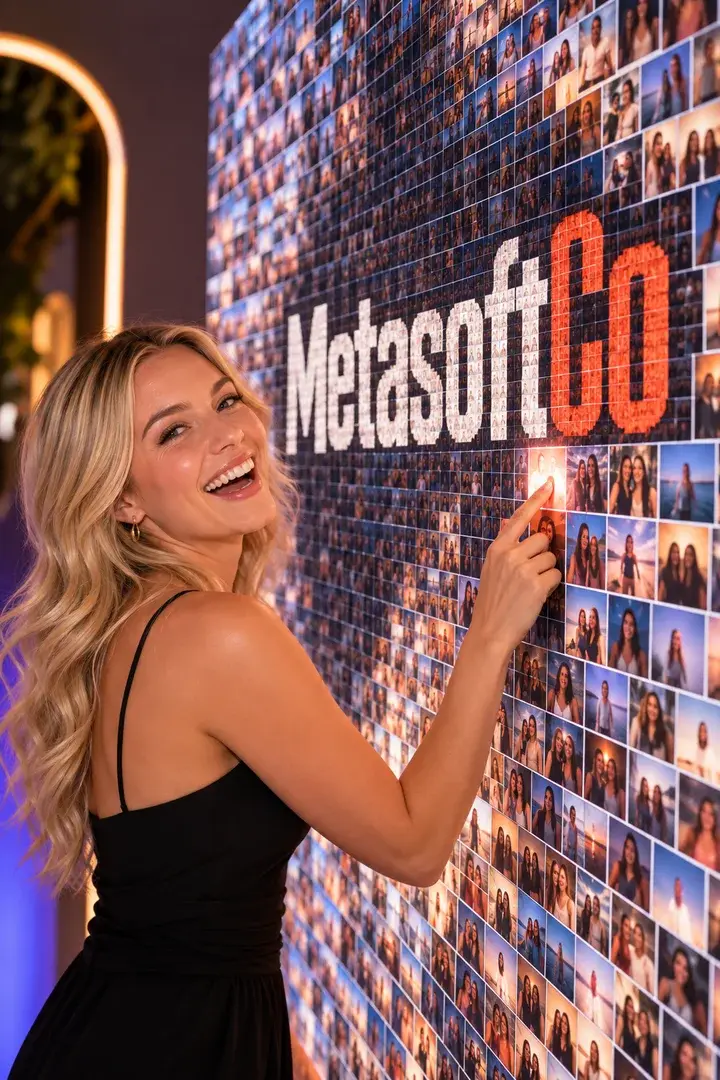
Mosaic Photo Wall
Every guest gets a numbered tile; together they build your brand image.
No credits
-
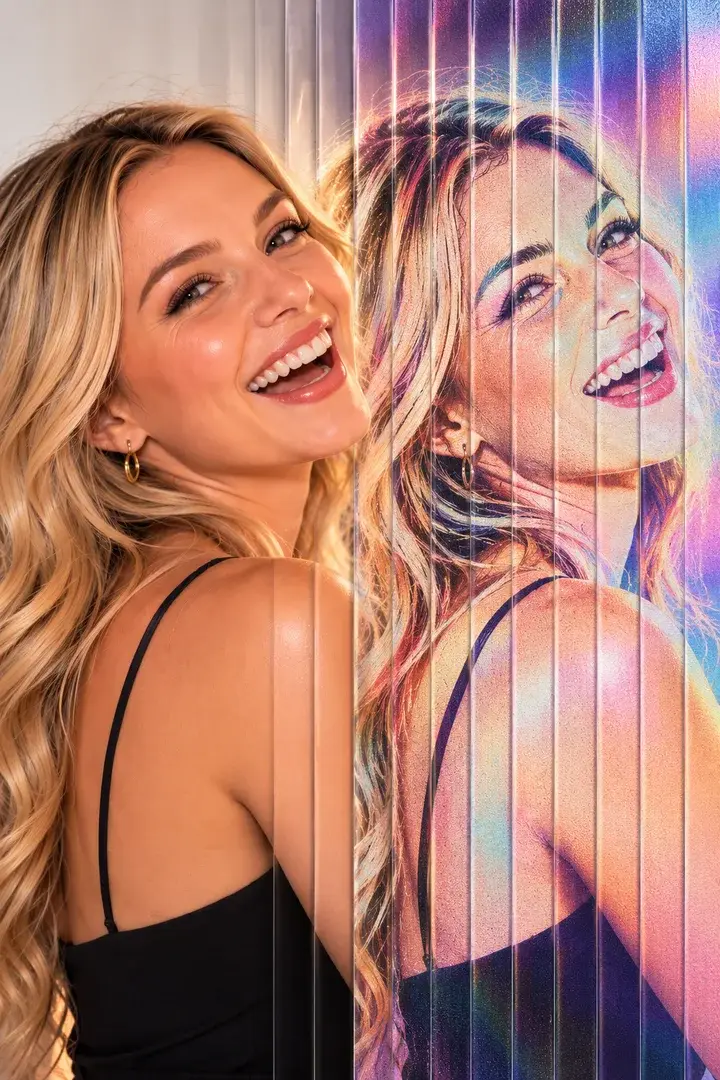
Lenticular Flip
Sequential shots interlaced into one print that moves under a lens.
No credits
-
GIF / Boomerang
A burst of frames becomes a looping GIF on the guest's phone.
No credits
-
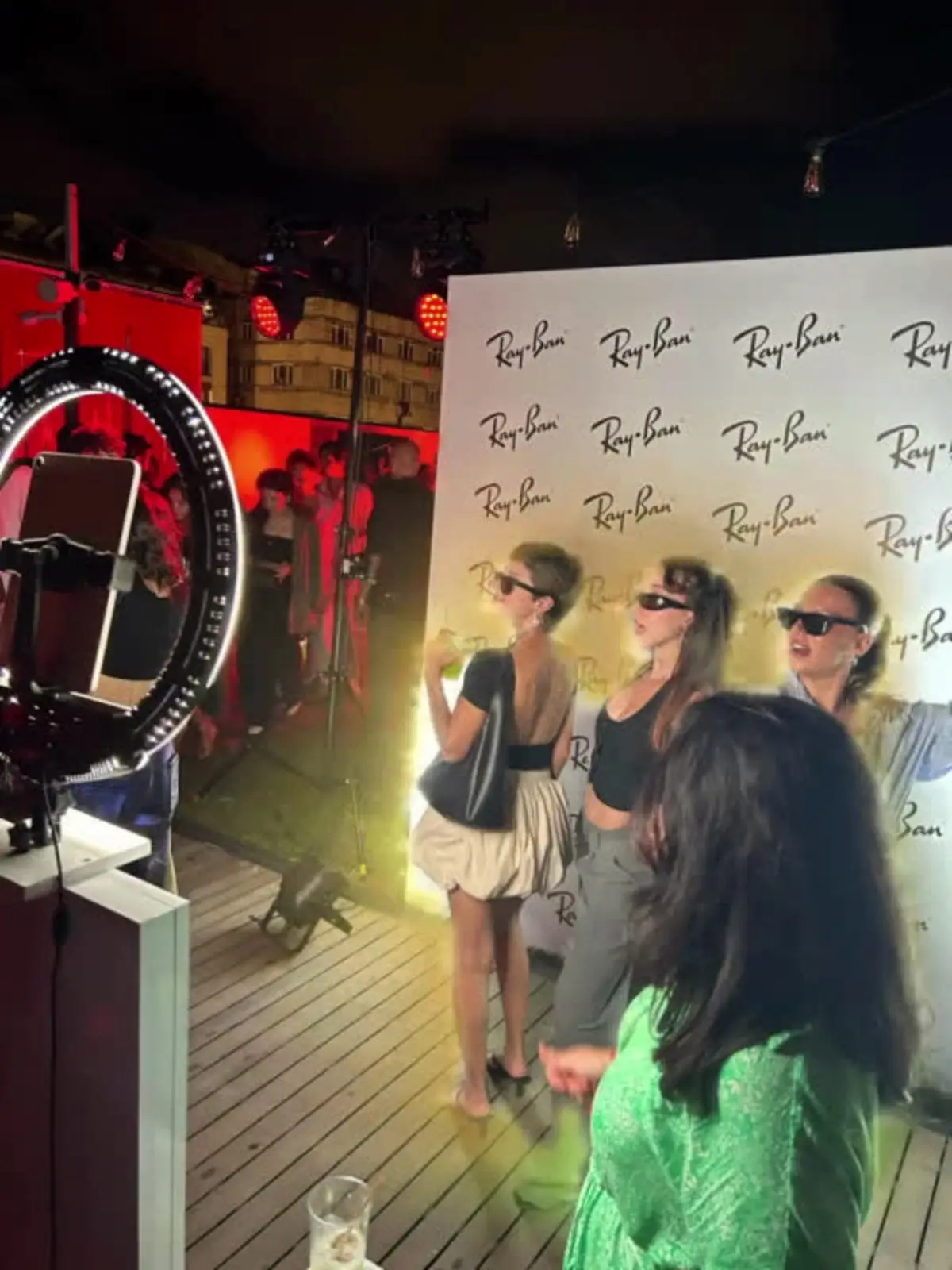
Video Boomerang
A short clip with speed ramps that plays forwards and back.
No credits
Get your first event ready today.
Try every experience with the free demo; choose a plan when you are ready.