Motion & wall · No credits
A photo that moves in your hand
Lenticular Flip
The guest strikes two to four poses; the frames are interlaced into a single print. With a lenticular lens on top, the print moves as you tilt it.

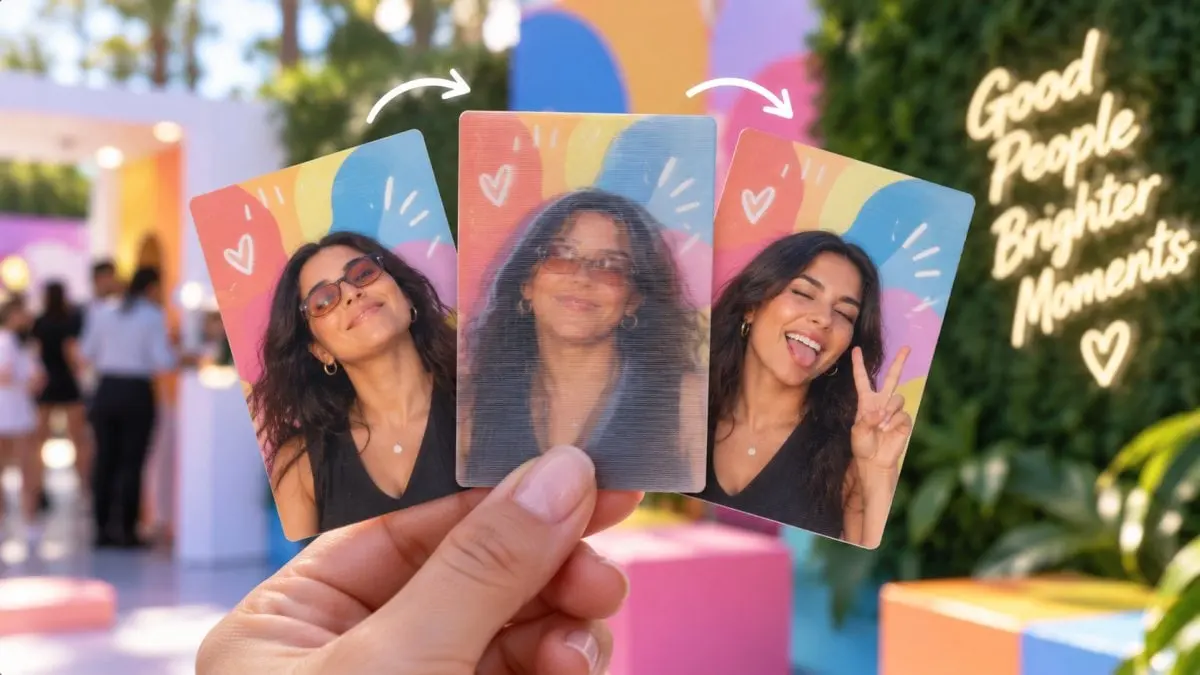
From the field
At a real event
From a MetasoftCo event
Guest flow
2–4 separate poses, each with its own countdown
Retake a single frame if needed
Frames interlaced by lens pitch
Exact-size print, lens on top
Studio settings
- Lens
- LPI 10–200 (measured value, default 40)
- Direction
- Vertical or horizontal lenses
- Alignment
- Phase 0–0.99, reverse frame order
- Calibration
- One-page test print and test PNG
Output and sharing
- Output
- Interlaced PNG, 1200×1800 at 300 dpi; preview frames
- 4×6 in exact size, no rescaling
- Credits
- Uses no credits
In every experience
- Camera
- Front/back camera, rotation, mirroring, 1–4× zoom; USB (UVC) camera on iPad
- Flow
- Countdown 0–10 s, optional guest form and retake
- Brand
- Frame, colours, screen background and screen texts
- Kiosk
- Exit locked by an operator PIN, screen stays awake
Where it works
- Galas that want a keepsake print
- Launches that show a product transformation
- Weddings
Questions
Where do I get the lens?
Lenticular lens sheets are sourced separately. Enter your lens's LPI in Studio and check the alignment with the test print.
More in this family
-
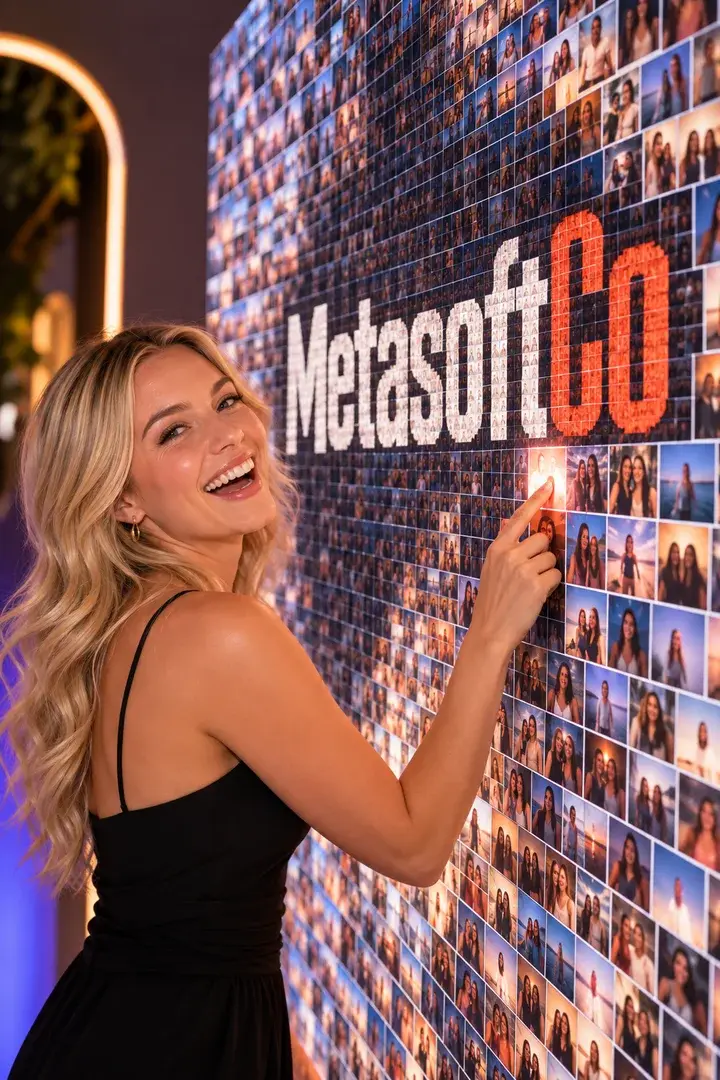
Mosaic Photo Wall
Every guest gets a numbered tile; together they build your brand image.
No credits
-
GIF / Boomerang
A burst of frames becomes a looping GIF on the guest's phone.
No credits
-
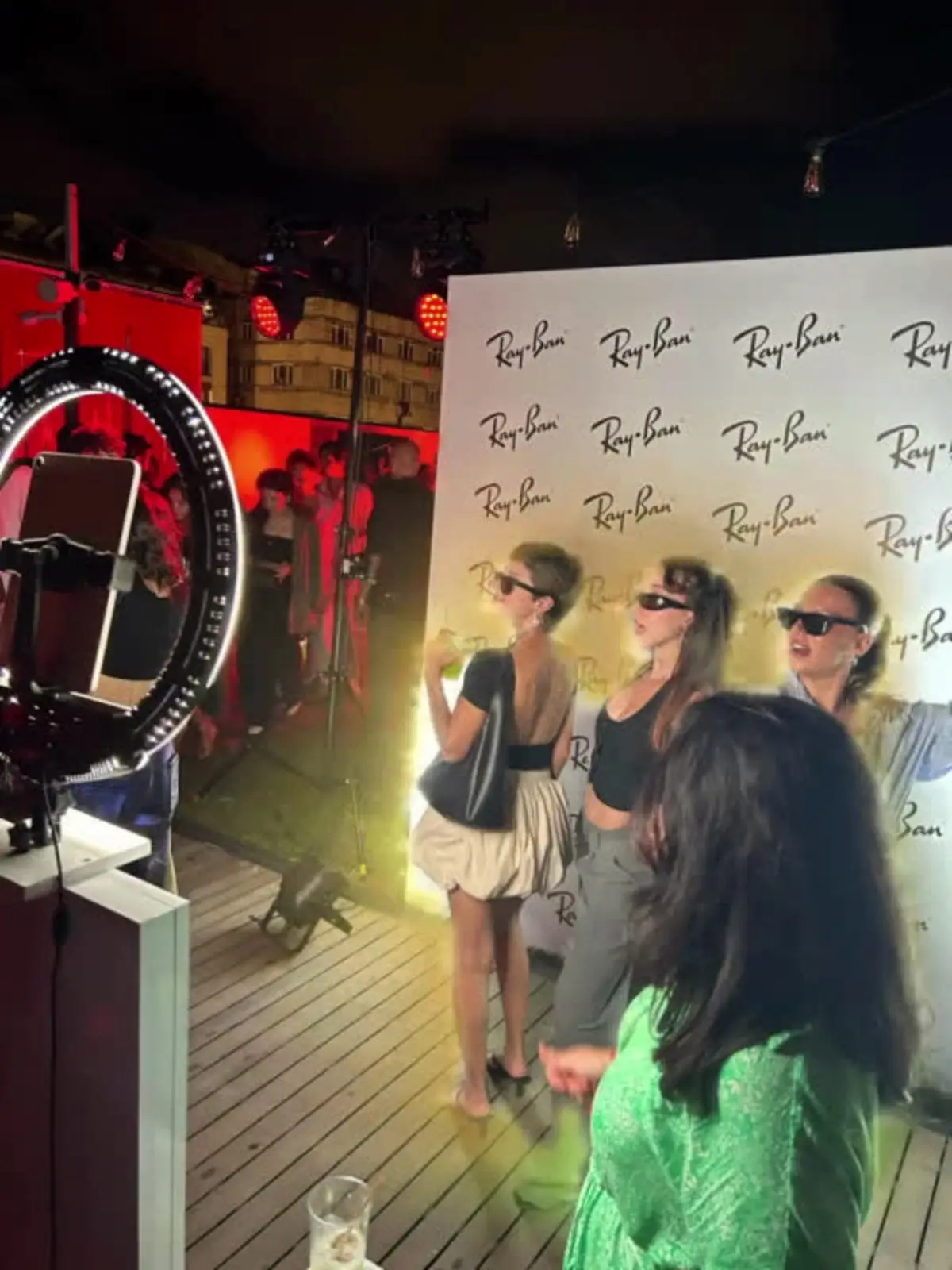
Video Boomerang
A short clip with speed ramps that plays forwards and back.
No credits
-
Video Booth
Fixed-length video recording, started at the kiosk or from a paired phone.
No credits
Get your first event ready today.
Try every experience with the free demo; choose a plan when you are ready.