AI · AI credit
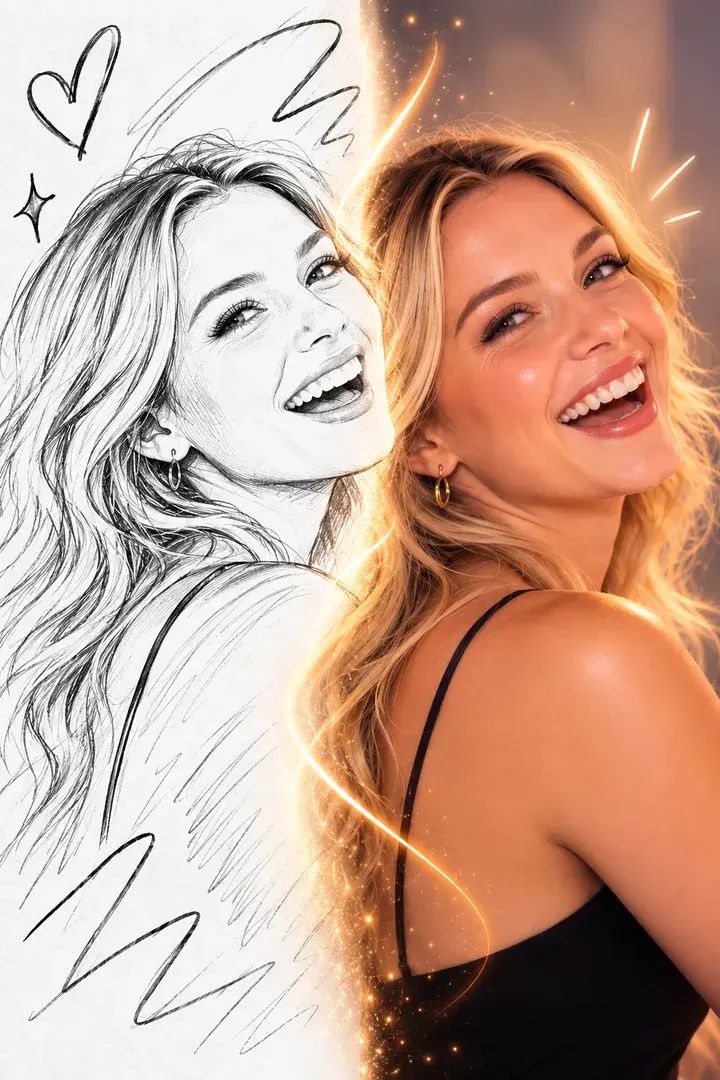
A scribble in, artwork out
AI Sketch to Image
Guests draw with a finger on the kiosk screen; AI turns the drawing into a detailed image in the style you set. Kids and adults alike queue for it.
From the field
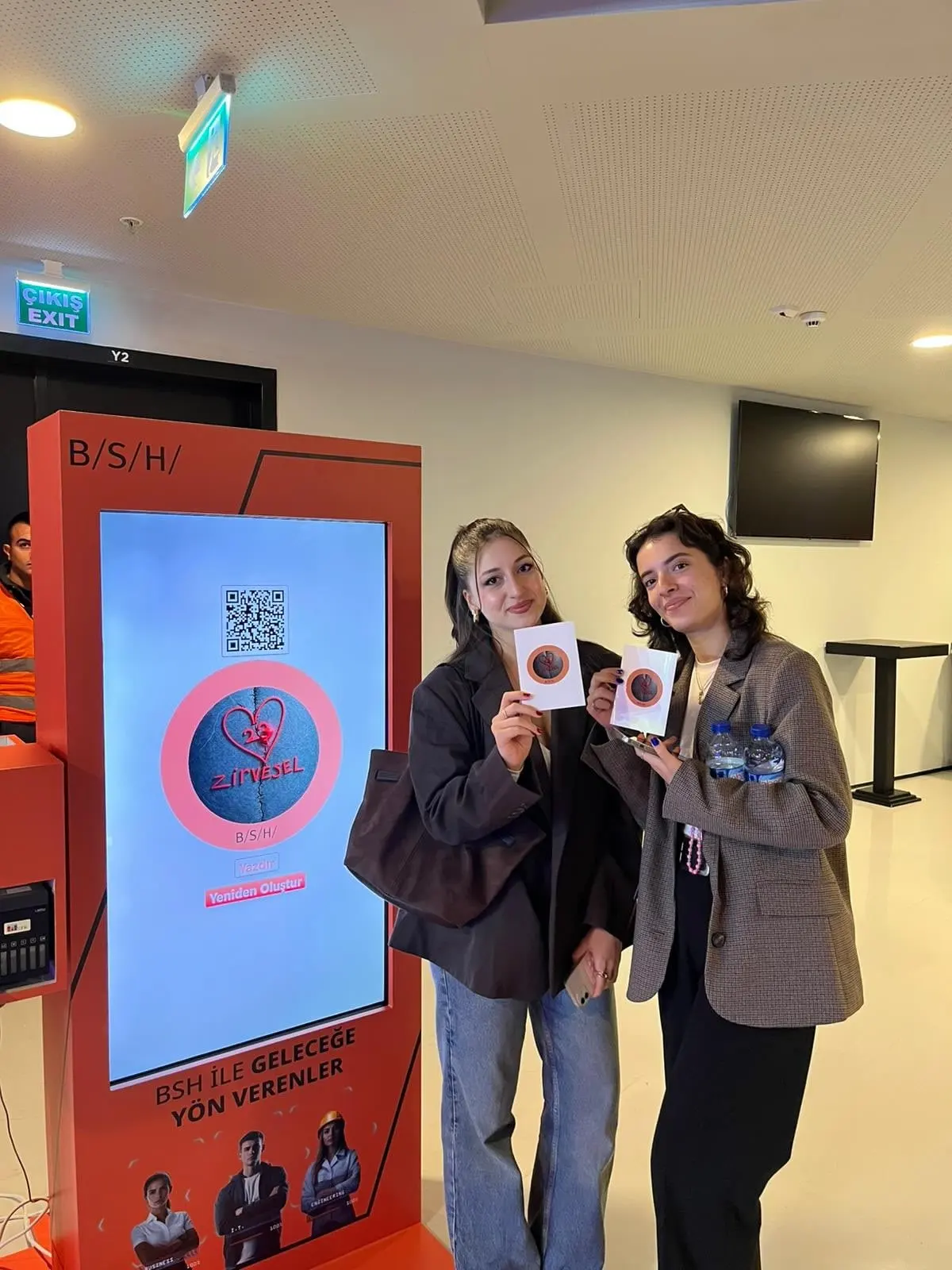
At a real event
From a MetasoftCo event · BSH
Guest flow
Draw on the touch screen
"Turn into an image"
Conversion runs in the cloud
Result on screen, QR and print
Studio settings
- Drawing tools
- 7 colours, eraser, 3 brush sizes, undo, redo, clear
- Style
- An editable base prompt for the event (3–2,000 characters)
- Model
- Choice of three image models
- Remote
- Start the conversion from a paired phone too
Output and sharing
- Output
- PNG, 1200×1800
- Sharing
- Guest page by QR, download, WhatsApp/Facebook/X link, email with the image attached
- 4×6 in (10×15 cm), 300 dpi
- Credits
- 1 successful result = 1 AI credit
In every experience
- Camera
- Front/back camera, rotation, mirroring, 1–4× zoom; USB (UVC) camera on iPad
- Flow
- Countdown 0–10 s, optional guest form and retake
- Brand
- Frame, colours, screen background and screen texts
- Kiosk
- Exit locked by an operator PIN, screen stays awake
Where it works
- Family and kids' events
- Product-design themed stands
- Education and museum events
Questions
Is a camera needed?
No. This experience uses no camera; guests draw directly on the kiosk's touch screen.


Get your first event ready today.
Try every experience with the free demo; choose a plan when you are ready.