AI · AI credit
Your scenes, no green screen
AI Greenbox
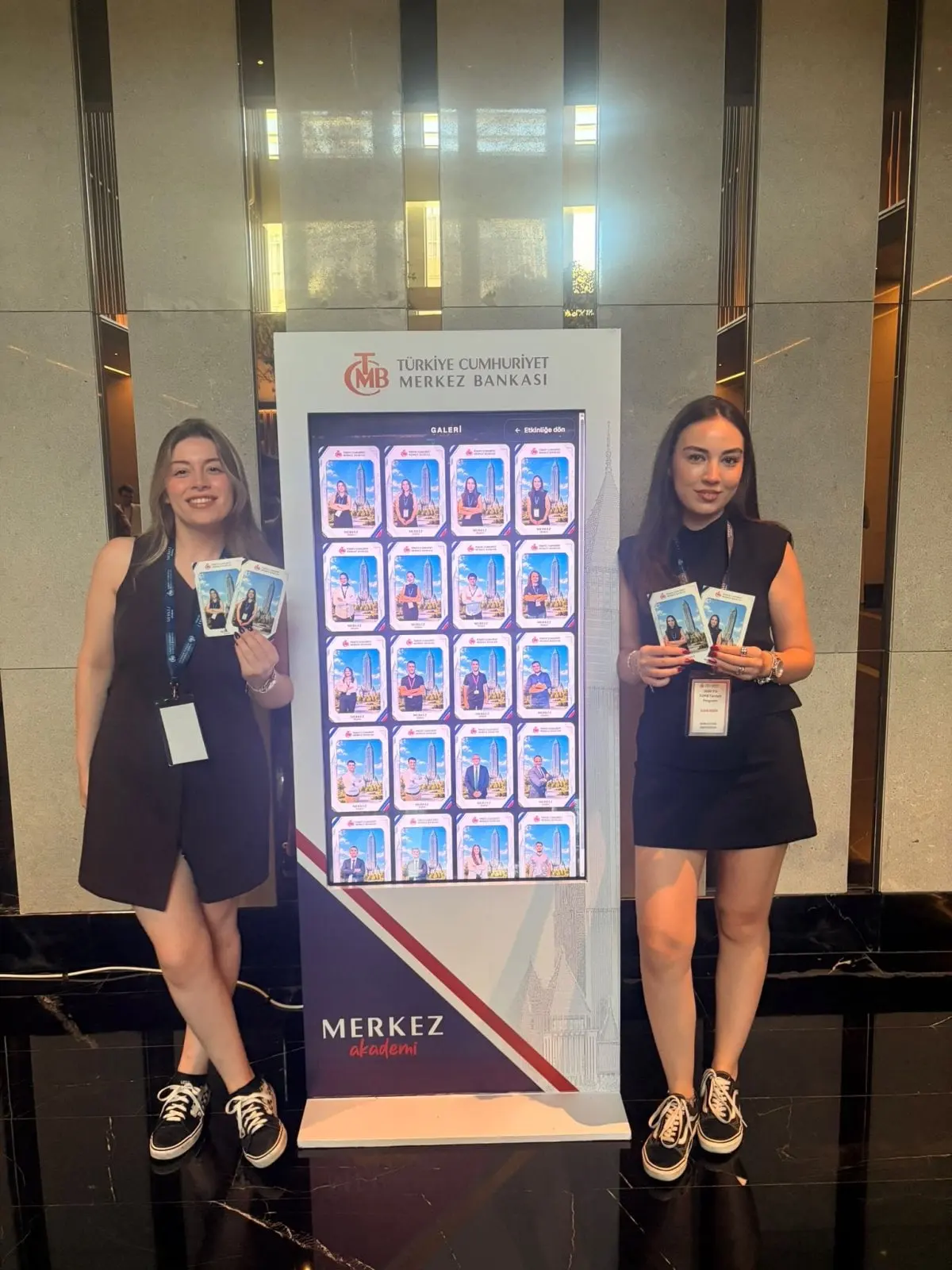
Wherever the guest stands, AI separates them from the background and places them in the scene they choose. No backdrop to rig, no lighting to match.

From the field
At a real event
From a MetasoftCo event · TCMB
Guest flow
Capture (scene choice can come first)
"Choose your scene" screen
Background removed in the cloud
Person placed into the scene on the device
Studio settings
- Scenes
- Up to 30 per event
- Placement
- Position and size of the person for each scene
- Model
- Choice of background-removal model
Output and sharing
- Output
- PNG, 1200×1800
- Sharing
- Guest page by QR, download, WhatsApp/Facebook/X link, email with the image attached
- 4×6 in (10×15 cm), 300 dpi
- Credits
- 1 successful result = 1 AI credit
In every experience
- Camera
- Front/back camera, rotation, mirroring, 1–4× zoom; USB (UVC) camera on iPad
- Flow
- Countdown 0–10 s, optional guest form and retake
- Brand
- Frame, colours, screen background and screen texts
- Kiosk
- Exit locked by an operator PIN, screen stays awake
Where it works
- Tourism and city promotion
- Product-world scenes
- Sports and concert events
Questions
Do I really not need a green screen?
No. The person is separated by a background-removal model. A plain, well-lit background improves the result.


Get your first event ready today.
Try every experience with the free demo; choose a plan when you are ready.