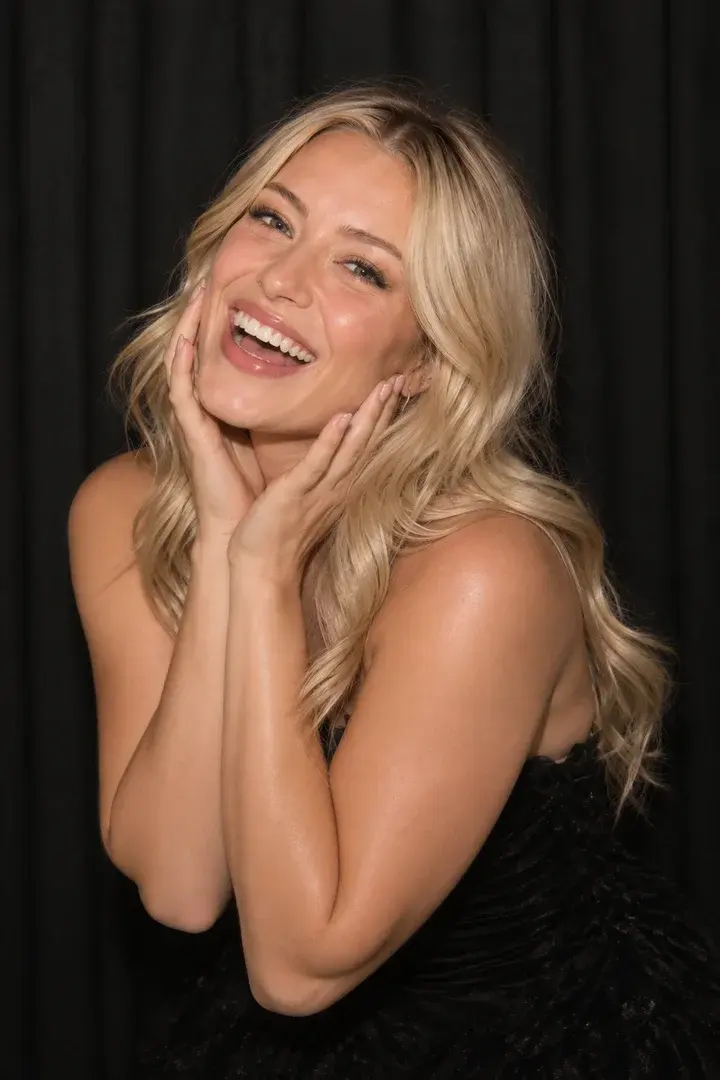
Portrait · No credits
The classic photo booth, in your design
Photobooth
The guest taps, the countdown runs, and the shots land on the 4×6 canvas you designed. From one photo up to six, each pose on its own.
From the field
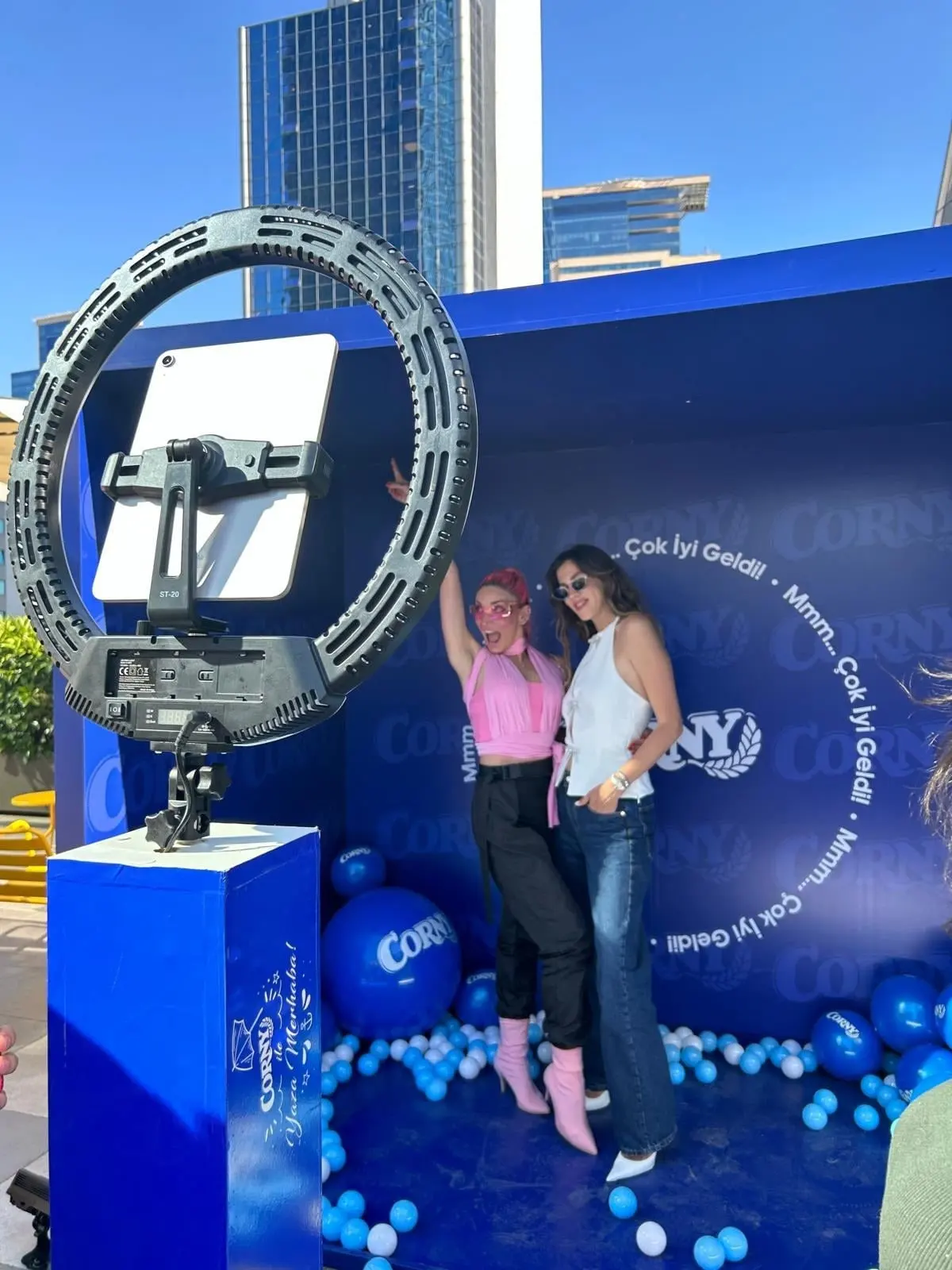
At a real event
From a MetasoftCo event · Corny
Guest flow
Optional guest form first
A tap and a countdown for each pose
Capture, with an optional retake screen
Result on screen, to the phone by QR
Studio settings
- Shots
- 1–6 photos
- Layout
- Position and size of each photo slot on the 1200×1800 canvas
- Canvas
- Background colour and a frame above or below the photos
- Countdown
- 0–10 s (default 3)
- Filter
- Mono, noir, sepia, vivid, warm, cool, fade
Output and sharing
- Output
- PNG, 1200×1800
- Sharing
- Guest page by QR, download, WhatsApp/Facebook/X link, email with the image attached
- 4×6 in (10×15 cm), 300 dpi
- Credits
- Uses no credits
In every experience
- Camera
- Front/back camera, rotation, mirroring, 1–4× zoom; USB (UVC) camera on iPad
- Flow
- Countdown 0–10 s, optional guest form and retake
- Brand
- Frame, colours, screen background and screen texts
- Kiosk
- Exit locked by an operator PIN, screen stays awake
Where it works
- Corporate parties and galas
- Launches with a branded frame
- Weddings and celebrations
Questions
Can I print 2×6 strips?
Printing is 4×6 in (10×15 cm) only today. You can arrange several frames inside that canvas any way you like.
Which camera does it use?
The device's front or back camera; on iPad a USB (UVC) camera can also be connected. Rotation, mirroring and 1–4× zoom are set in Studio. DSLR control is not supported.

Get your first event ready today.
Try every experience with the free demo; choose a plan when you are ready.